Lead Discovery: Scan Any City for Businesses With Missing or Failing Websites
Most freelancers who say they "do prospecting" are really doing browsing. They open a map, type a business category, click a few listings, and squint at websites until something looks bad. It works, in the sense that eventually you find a lead. It also eats an afternoon, leaves no record, and produces a list that is out of date by the time you write your first email.
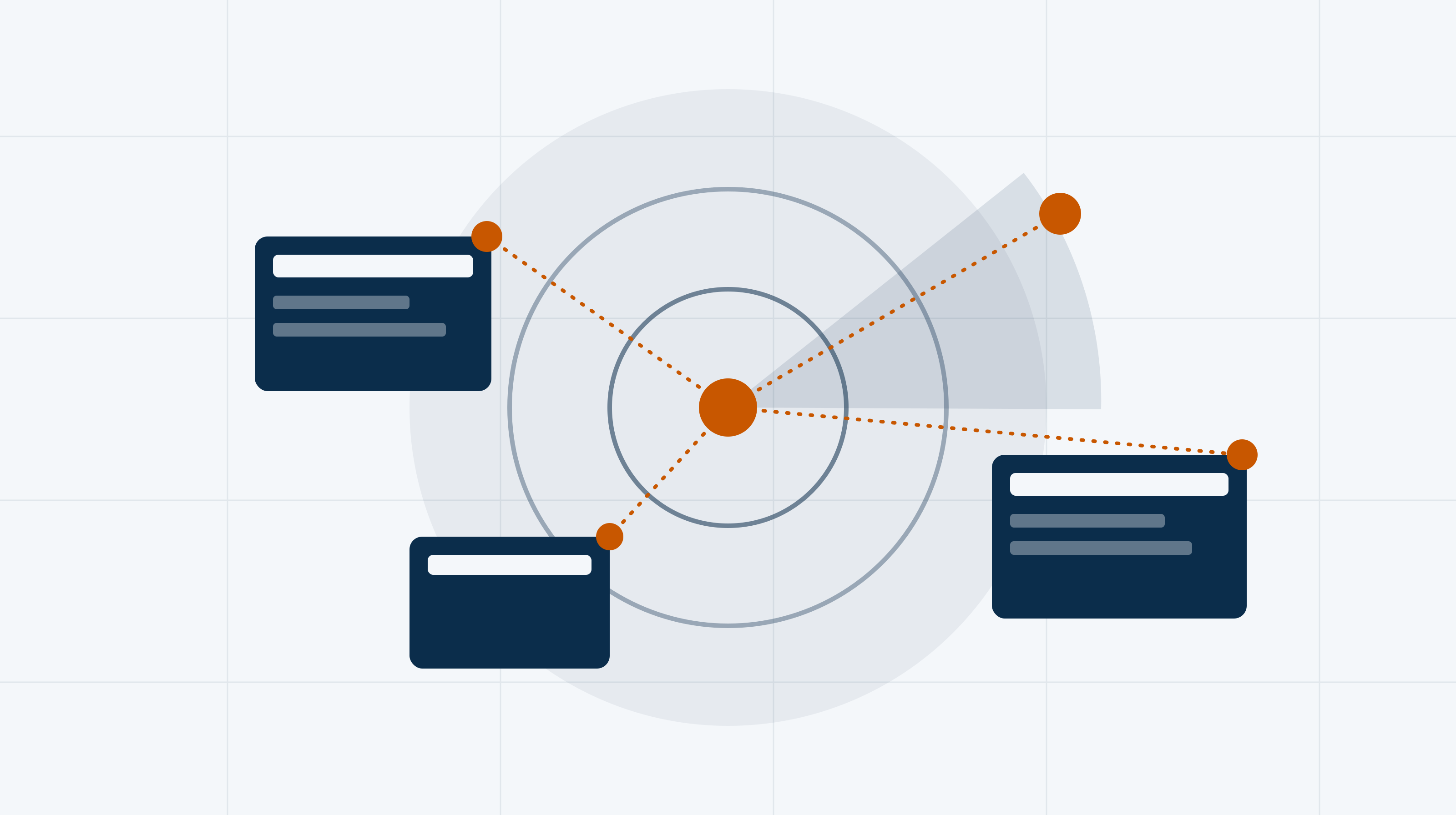
Lead discovery is the same job done as a repeatable scan: you pick a city and a category, the tool checks the websites for you, and you work from a ranked list instead of a pile of browser tabs. This page explains what that scan does, how to read the output, and how to turn a list of businesses into conversations without guessing.
What lead discovery actually means
A lead, for a web designer, is not "a business that exists". Every plumber in your city exists. A lead is a business that has a visible, fixable website problem, is reachable, and is the kind of company that pays for web work. Lead discovery is the process of finding those businesses on purpose.
There are two broad shapes of opportunity, and a good scan separates them:
- **No website at all.** The business has a listing, a phone number and reviews, but nothing to click through to, or only a social profile. This group is real but smaller than people assume, and these owners often need the most education before they will buy. - **A website that is missing, broken or outdated.** The site exists but is not doing its job: it breaks on a phone, loads slowly, shows a security warning, or looks like it was built a long time ago. These owners already believe in having a website, so the conversation is about fixing one, not about why they need one.
If you want the longer reasoning behind targeting this second group, the local client-finding guide covers why a repeatable outbound system beats waiting on referrals, and where web design clients actually come from compares the main sources side by side.
What a city-and-category scan does
The workflow in Leaddly is deliberately simple, because the point is to remove steps, not add them. You choose where to look and what kind of business to look for, and the scan finds matching local businesses and checks their websites.
For each business you get a profile: who they are, where they are, what their web presence looks like, and a health reading for the site. You can then filter and sort that list, save the search so you can run it again later, and push the businesses you like into your client CRM so they stop living in a spreadsheet.
Two details matter more than they sound:
1. **The category is the lever.** "Restaurants" is a bad scan. "Roofing contractors" or "family dental practices" is a good one, because it gives you a single message that fits every result. 2. **The city is the boundary.** Small and mid-sized towns often give you a more useful list than the biggest metro, because the list is short enough that you can actually work all of it.
Setting up a scan that returns usable leads
- Pick one category: A single business type, such as roofers or dentists, so one pitch fits every result.
- Pick one area: A city or a tight cluster of towns you can serve and meet in person if needed.
- Filter by website status: Separate no-website businesses from outdated or failing sites before you read anything.
- Sort by health score: Work the weakest sites first; they have the clearest story to tell.
- Save the search: Run it again next month and look only at what is new.
Reading the results like a salesperson
A list of businesses with scores is not a list of leads yet. Your job is to turn each finding into a reason to talk. The same data supports two very different conversations, depending on which group the business is in.
No-website businesses
These are the easiest to identify and the hardest to close, because the objection "my customers just call me" is genuine. Look for signs that the business is active and could benefit: a healthy review profile, a recently updated listing, photos, a phone number that clearly gets used. A business with no reviews, no photos and no activity may simply be dormant.
Outdated and failing sites
This is where scanning earns its keep. The findings you want are the ones an owner can verify in ten seconds on their own phone: the site is hard to use on mobile, it throws a security warning, it loads slowly, it is missing basic information such as hours or a way to contact them. Each of those is a one-line hook for an email that is specific instead of generic.
The companion piece on website audits for web developers goes deeper on how to frame technical findings in terms of money and customers, which is what makes an owner reply.
Manual browsing vs. a scan
| Browsing listings by hand | Scanning a city | |
|---|---|---|
| Same checks on every business | ✗ | ✓ |
| Results you can sort and filter | ✗ | ✓ |
| Repeatable next month | ✗ | ✓ |
| Leads saved to a CRM | ✗ | ✓ |
| Free to start with no software | ✓ | ✗ |
Qualify before you write anything
The scan gives you volume. Qualification gives you focus. Before you write to anyone, run each promising business through four quick questions:
1. **Is the problem visible to the owner?** If they would not notice or care, you are selling something they do not want. 2. **Is there a way to reach a decision-maker?** A direct email or a clear contact route beats a generic contact form. 3. **Does this business plausibly have budget?** An established practice or trade business with a real service area usually does. A hobby listing usually does not. 4. **Can you describe the fix in one sentence?** If you cannot, the pitch will be vague.
A business that passes all four goes to the top of your list. One that passes two goes into a "later" bucket. You are not being picky; you are protecting the hours you will spend writing and following up.
Group by pitch, not by name
Once qualified, group the leads by the single problem you will lead with. All the "mobile experience is poor" businesses get one version of your email; all the "no website, strong reviews" businesses get another. That is how you stay personal at a pace you can sustain: the research is per business, the structure is per group.
From scan to first message
Discovery is only useful if it feeds outreach quickly. The longer a lead sits, the more your findings go stale and the more likely you are to forget why you flagged it.
Leaddly can draft an outreach email for a lead using what the scan found, which saves you from starting from a blank page. Treat that draft as a strong first version, not a finished message. Read it, check that every claim matches what you can see on the actual site, and rewrite the opening line in your own voice. If the draft says something you cannot verify, delete it.
A sound structure for the message, regardless of who writes the first draft:
- **One observation.** Something specific you noticed about their site, stated plainly. - **One consequence.** What that likely means for their customers or enquiries, without exaggeration. - **One easy question.** Something a busy owner can answer in a sentence.
The outreach playbook lays out a full follow-up system, and it is worth reading before you send a first batch, because most replies arrive after the second or third touch rather than the first.
A weekly rhythm that fits a solo schedule
Scanning only pays off if you do it consistently. Here is a simple cadence for one person.
A weekly lead-discovery routine
- Monday: scan: Run your saved search for the category and area you are working this month.
- Monday: qualify: Apply the four questions and shortlist the best handful.
- Tuesday: outreach: Draft, check and send your first messages, grouped by pitch.
- Midweek: follow up: Send the next touch to last week's unanswered leads.
- Friday: tidy the CRM: Move replies forward, archive dead ends, note what worked.
The routine is intentionally small. A short, consistent weekly loop beats a heroic day of prospecting once a quarter, and it is exactly the kind of system the guide on getting your first ten local clients recommends building before you try to scale.
Use saved searches to avoid repeat work
If you re-run the same scan each month, you will see the same businesses again. Saved searches help here: you keep the filters you trust and only read what has changed. That also protects you from the quiet mistake of pitching the same prospect twice because you forgot you had already contacted them.
Common mistakes with lead scans
- **Treating the score as the pitch.** A health score tells you where to look; it is not something to quote at an owner. Translate it into a plain-language observation they can check. - **Skipping the manual check.** Open the site yourself before you mention a problem. Tools are good, but your credibility is on the line, not the tool's. - **Pitching a rebuild too early.** The first message is about starting a conversation. Save the proposal for after they reply. - **Ignoring businesses with no site because "they will say no".** Some will. Some have simply never been asked well. Keep them on a separate, slower track.
Where lead discovery fits in the whole workflow
A scan is the first step in a longer chain. Once a lead replies, you still need to propose, agree terms, do the work and get paid. Leaddly keeps those steps in one place, so the business you discovered stays attached to its proposal, contract, tracked time and invoice instead of being re-entered into five different tools. You do not have to use all of it at once; plenty of people start with scanning alone and add the rest as they close work.
The short version
If you would rather see a scan than read about one, run a search for the category you want to serve and see what comes back for your own city.
Frequently Asked Questions
Can I find businesses that have no website at all?
Yes. A scan separates businesses with no website from those with outdated or failing ones, so you can pitch each group differently.
How narrow should my first scan be?
One business category in one city or a tight cluster of towns. A narrow scan returns a list you can actually work through, and one pitch fits every result.
Should I send the AI-drafted outreach email as is?
No. Treat it as a first draft: verify every claim against the real site, delete anything you cannot confirm, and rewrite the opening in your own voice.
How often should I re-run a scan?
Monthly works for most solo designers. Saving the search lets you review only what is new and avoids pitching the same business twice.